ESP · 8 min read · 2026-09-17
The Isle ESP Setup Guide
Configure The Isle ESP overlays — boxes, skeletons, health, names and distance — without flooding your HUD.
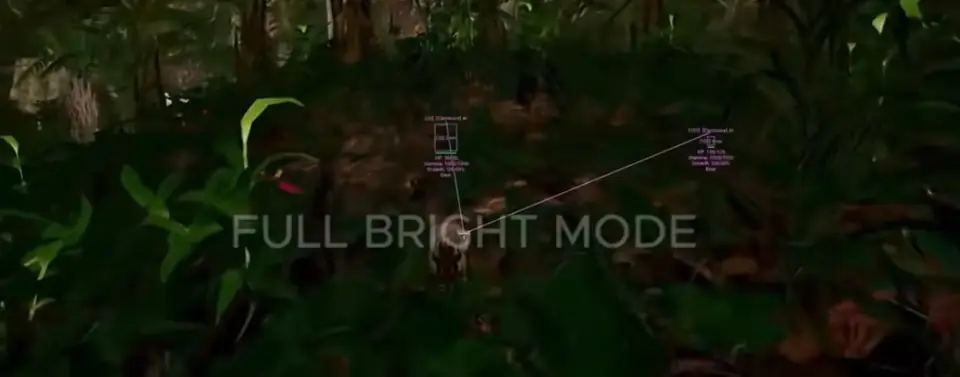
What ESP does
ESP highlights players and related information so you can read the field earlier. It does not replace careful play or status checks.
Recommended defaults
Enable boxes or skeletons, distance and health first. Add name labels only if they stay readable.
Limit max distance so the HUD is not flooded with contacts you cannot act on yet.
Enemy and group cues
Use Enemy ESP and Team/Group Check when available so hostiles and grouped players stay distinct.
Ready for Buy Isle Hacks?
Check live product status, then choose monthly or lifetime access for The Isle on buyislehacks.com. Need help? Read Buy Isle Hacks support or buyer reviews. Own the game via Steam.